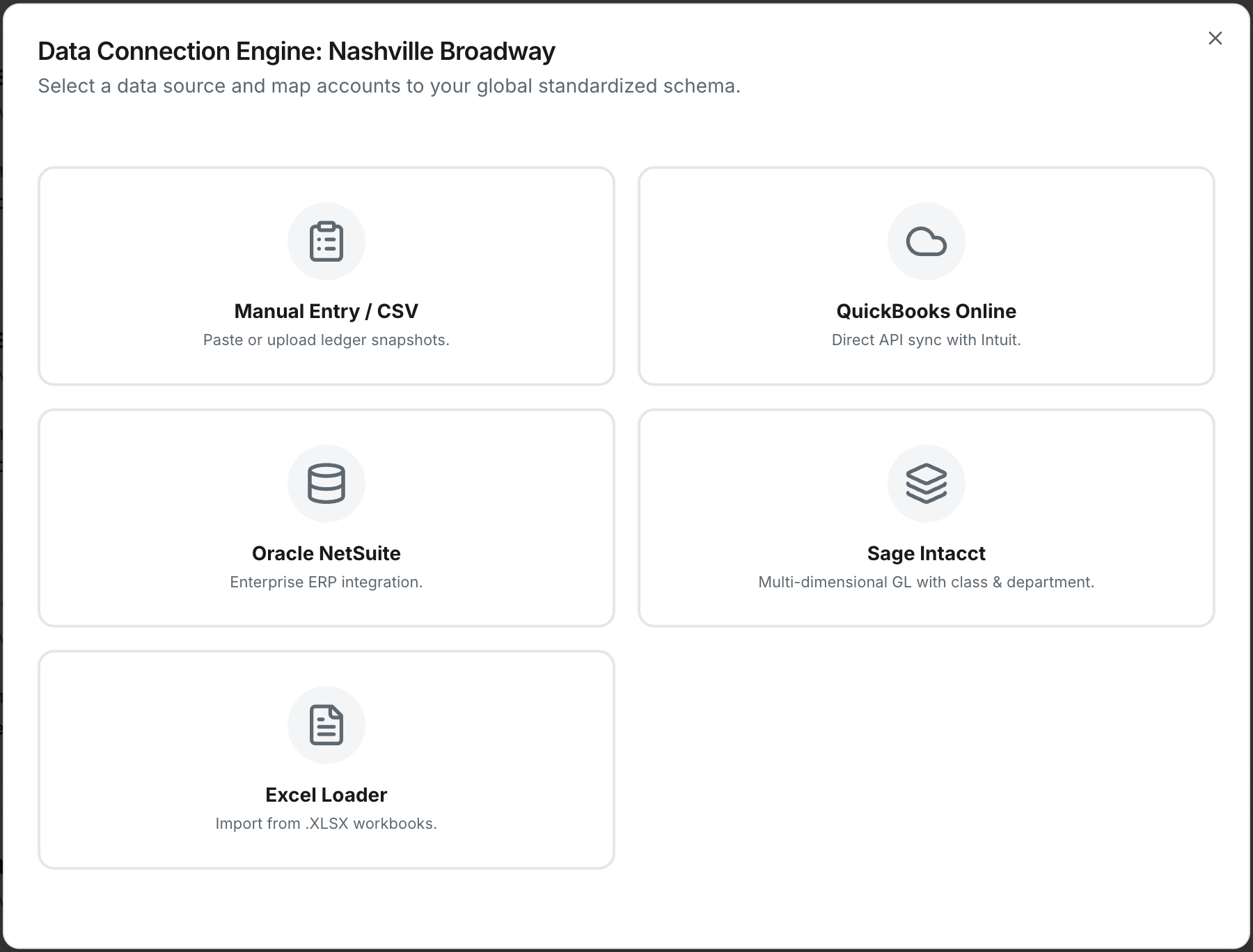
Name the entity and choose its data source — QuickBooks, NetSuite, Sage Intacct, or CSV upload.
For direct integrations, click "Connect" and authenticate with your existing credentials. Read-only by default.
Datatrixs normalizes and loads your financial data. Your dashboard updates. Warren is ready to answer questions.
The most common setup for multi-unit businesses running QBO. Each business unit connects its own QuickBooks account — Datatrixs normalizes everything across all of them.
Direct OAuth — no credentials stored, no CSV exports, no middleware
Syncs P&L, balance sheet, and cash flow in under 2 minutes
Each business unit can have a different QBO company — handled automatically
Reconnect or update at any time from unit settings
Built for organizations already running NetSuite with multi-subsidiary structures. Datatrixs connects via API and pulls consolidated data across subsidiaries without any custom SuiteScripts.
Mid-market companies that have grown into NetSuite and need consolidated visibility without rebuilding their reporting stack. Finance teams managing 5–50 subsidiaries in a single NetSuite instance.
Example use case
"We have 18 subsidiaries in NetSuite. Our FP&A team was spending two weeks every quarter manually pulling subsidiary reports. With Datatrixs, they get consolidated P&Ls in the dashboard before the quarter even closes."
Sage Intacct's multi-entity architecture maps naturally to Datatrixs. The integration handles Intacct's entity structure natively — no manual mapping of entities or accounts.
Native API connection — no data exports or scheduled syncs needed
Pulls across all Intacct entities in a single connection
Handles Intacct's dimension-based chart of accounts with automatic normalization
Great fit for
Professional services firms
Multiple offices or practice groups, each in Intacct
Healthcare organizations
Multi-site operators tracking per-facility financials
Nonprofits & fund managers
Multi-entity fund or program tracking in Intacct
Not on QuickBooks, NetSuite, or Sage? No problem. Upload a CSV or Excel export from any accounting system and Datatrixs maps your columns automatically.
A business unit runs on a legacy or custom ERP that doesn't have a direct integration yet
You want to load historical data before a live connection is set up
An acquired entity hasn't migrated to your standard accounting system yet
We'll walk you through connecting your accounting systems in a 30-minute demo. Your data, your entities, live in the platform.